



Use Launch X431 ECU and TCU Programmer to erase Chevrolet Bosch HV240 module in bench mode successfully.
Procedure:
1.Connect X431 ECU Programmer and PC via USB cable
2.Update X-431 ECU Clone Software to V10.70
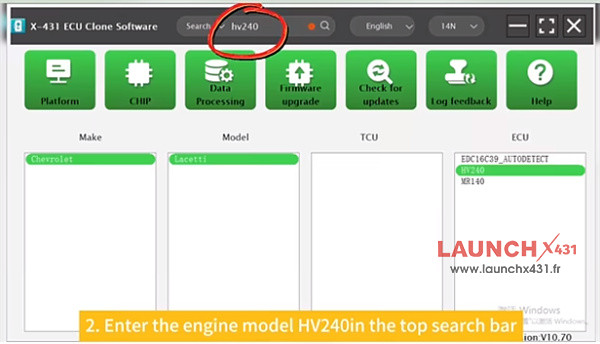
3.Input hv240 in the searching box to find Chevrolet Lacetti HV240
4.Select “BENCH” connection type
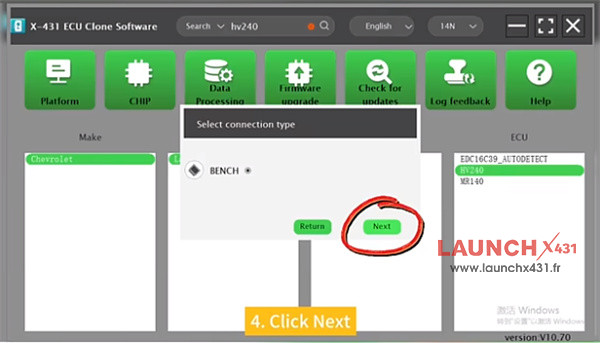
5.Check the direct connection of diagram
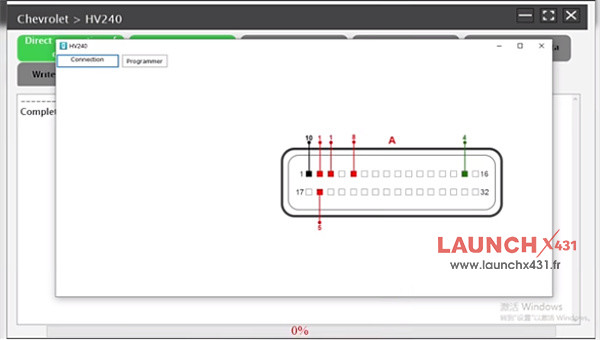
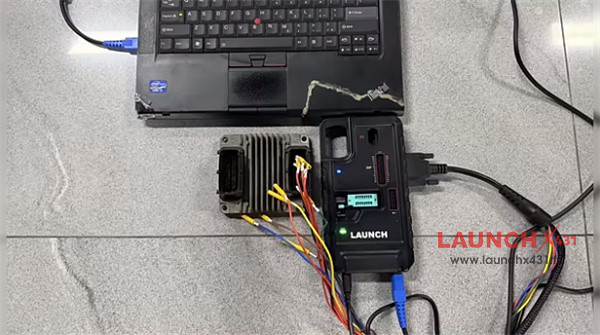
6.Connect X-431 ECU Programmer to the original HV240 Module properly, and also connect power supply to device
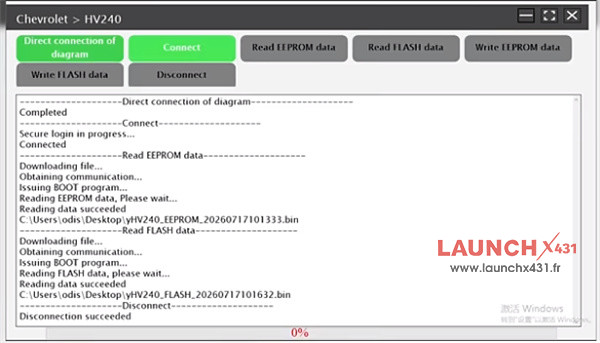
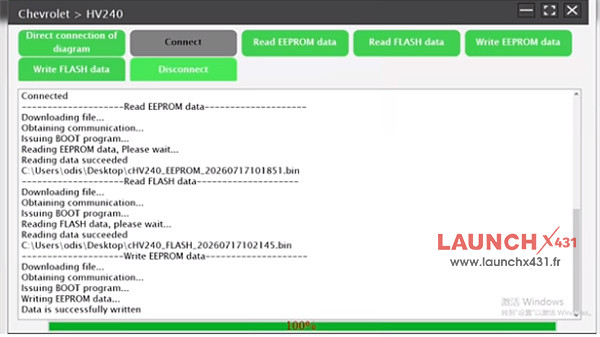
7.Connect ECU, then read and save the original EEPROM data and FLASH data separately, all are successful
8.Disconnect the original Bosch module, and connect Launch X431 ECU Programmer to a second-hand module
9.Perform ECU connection, EEPROM and FLASH data backup, all are OK
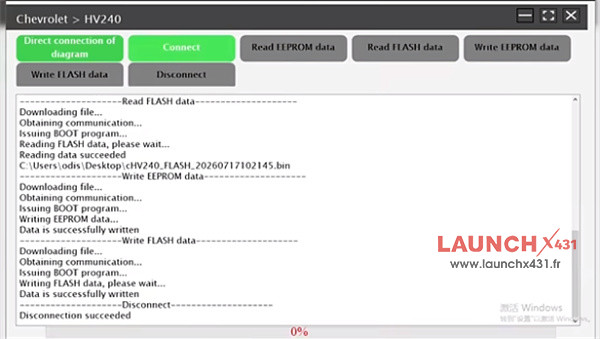
10.Load the original module EEPROM and Flash data to write into the donor module, data were written successfully
Video guide: