



Question:
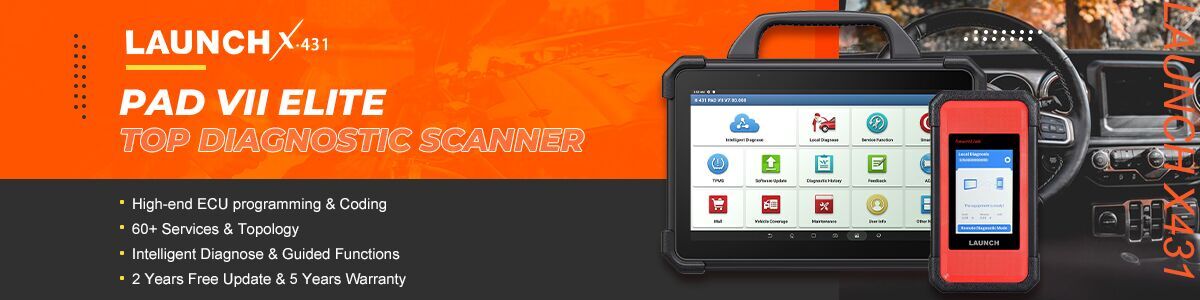
I added X431 EV Diagnostic Upgrade Kit to my Launch X431 Pad7 Elite. Since the EV kit comes with 12 months of software updates, can I still use EV diagnostic functions after the subscription runs out?
If I decide to renew, do I buy the software update for PAD7 or for the EV kit?
When redeeming a renewal card, which number do I enter—PAD7 serial number or the EV Kit card number?
Answer:
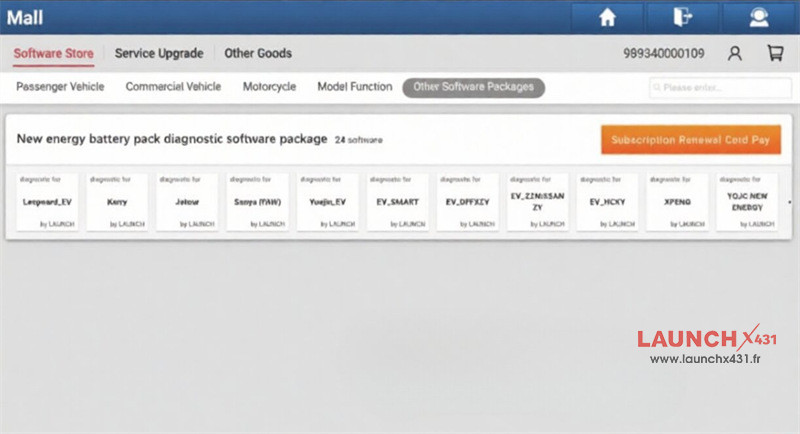
LAUNCH X431 EV Diagnostic Kit comes with a permanent license for EV functions plus a one-year update subscription. If your subscription expires, your tool does not lock up. You can continue using all EV diagnostic features already installed on your tablet, though you won’t get new model updates.
To update your EV features, you must buy the standalone EV Diagnostic Software Subscription. The standard update for X431 PAD VII ELITE does not include EV updates.
Once your EV kit is bound to your scanner, always use your PAD VII serial number to activate your renewal card. The initial EV kit activation card number is no longer needed after setup.
Tech Support:
Email: sales@launchx431.fr
WhatsApp: +86 18750906257